 SHADOWNODE
SHADOWNODE
SHADOWNODE
Guides / Dedicated
A whole physical machine — pinned cores, guaranteed RAM, never shared. Dedicated boxes are set up by a human, so the flow is a little different.
Dedicated is a paid product, so a <b>Pay</b> step appears after Welcome (same crypto/gift-card flow shown in the VPS guide).
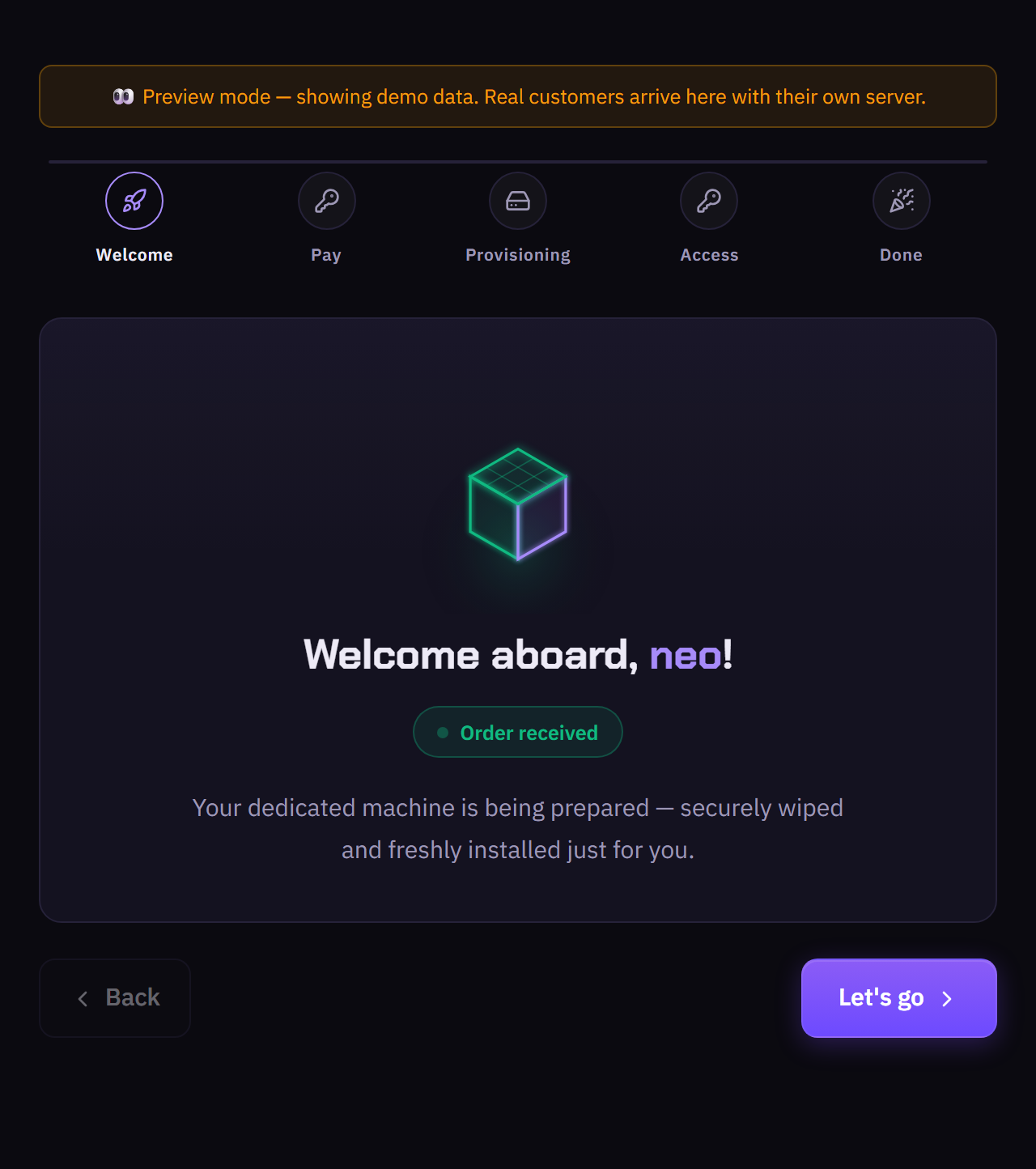
Your order is received and your machine is being prepared — securely wiped and freshly installed just for you.
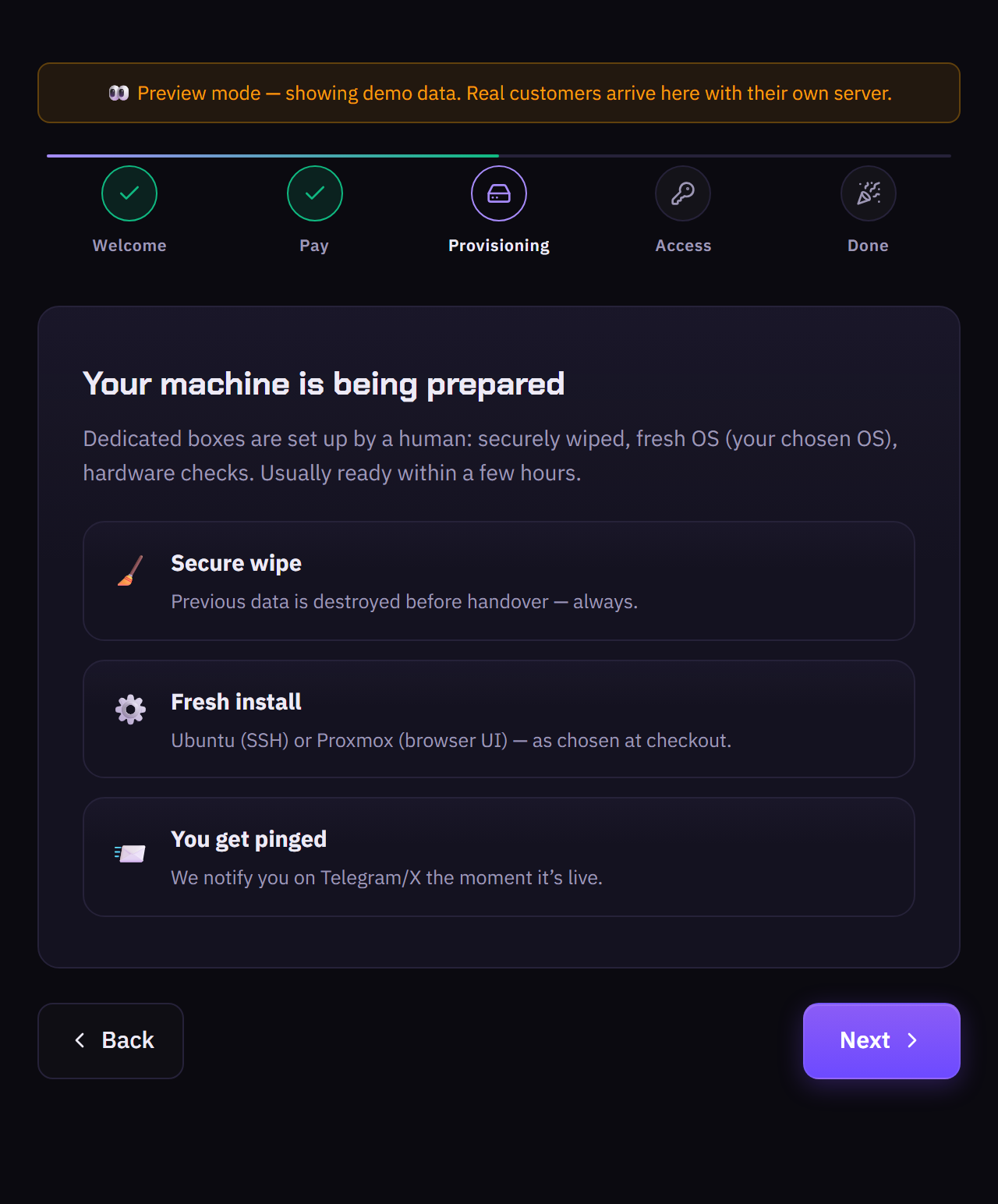
A human sets it up: secure wipe (previous data destroyed before handover), fresh install (Ubuntu with SSH, or Proxmox with a browser UI — as chosen at checkout), and hardware checks. Usually ready within a few hours.
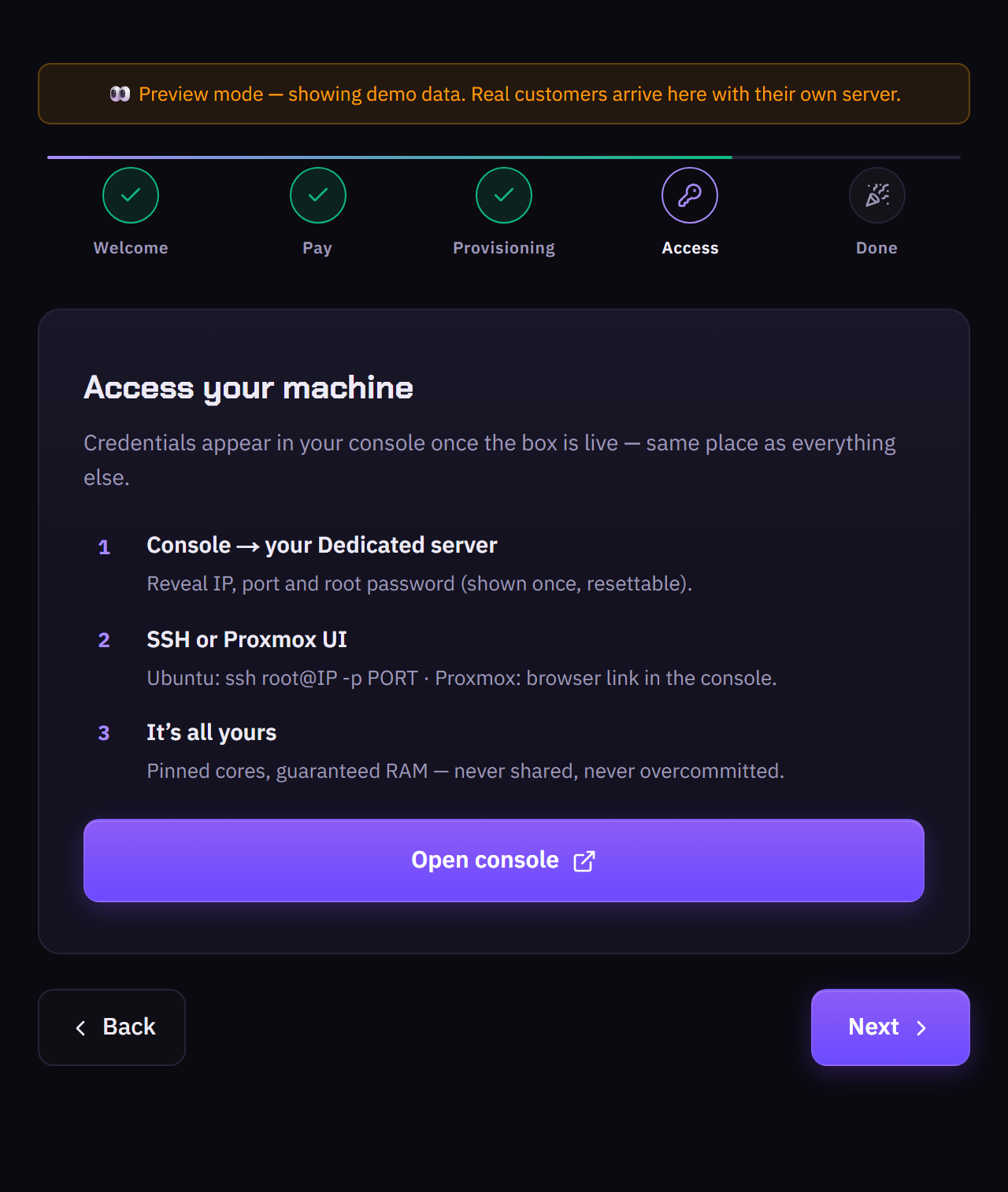
Credentials appear in your console once the box is live. Reveal the IP, port and root password, then connect by SSH (ssh root@IP -p PORT) or open the Proxmox UI link. Pinned cores and guaranteed RAM — never shared, never overcommitted.
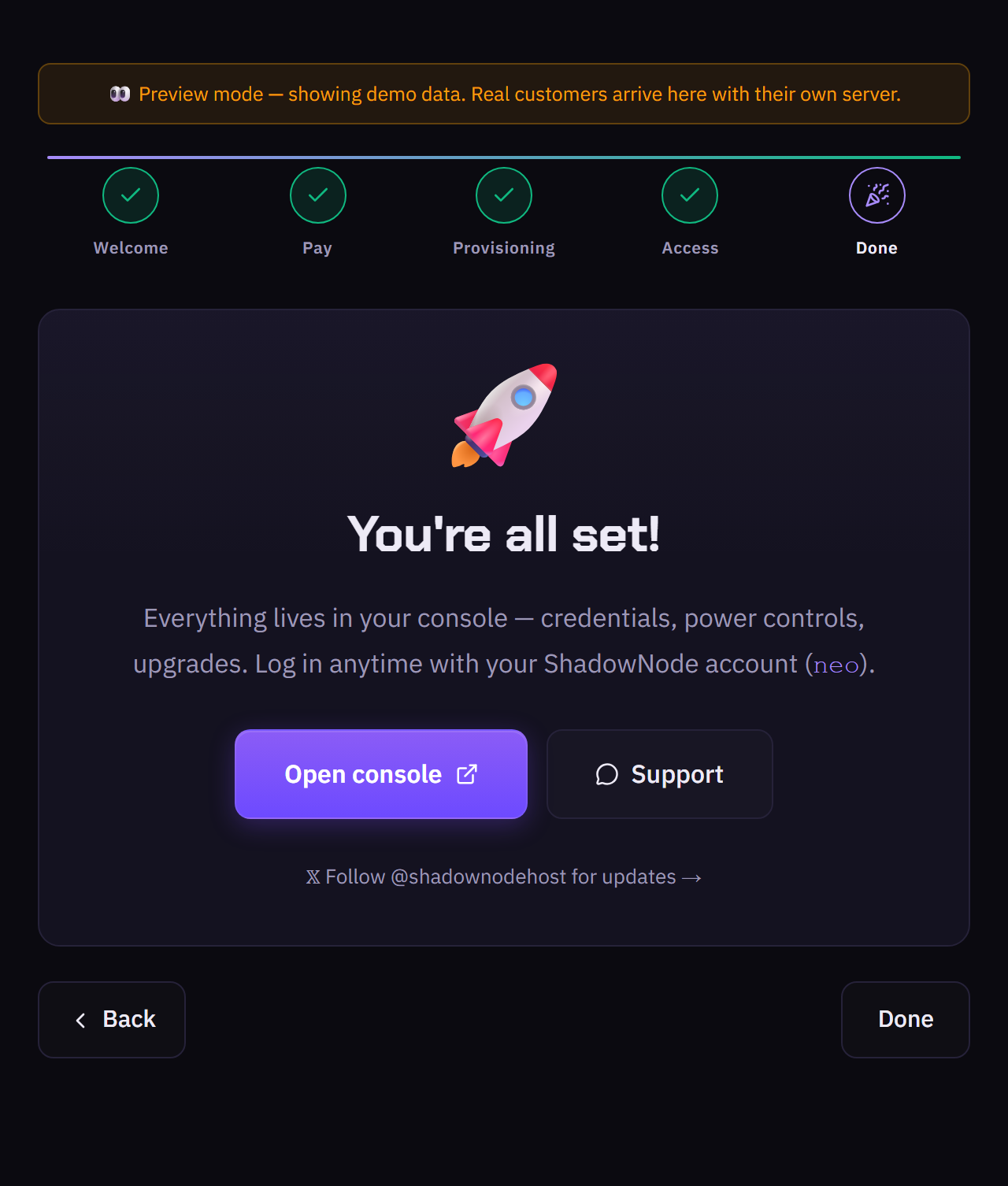
Everything lives in your console — credentials, power, reinstall. Log in with your ShadowNode account.