 SHADOWNODE
SHADOWNODE
SHADOWNODE
Guides / Hosted n8n
Your own n8n instance on its own HTTPS subdomain — no port forwarding, no server admin. Here’s how to open it and ship your first workflow.
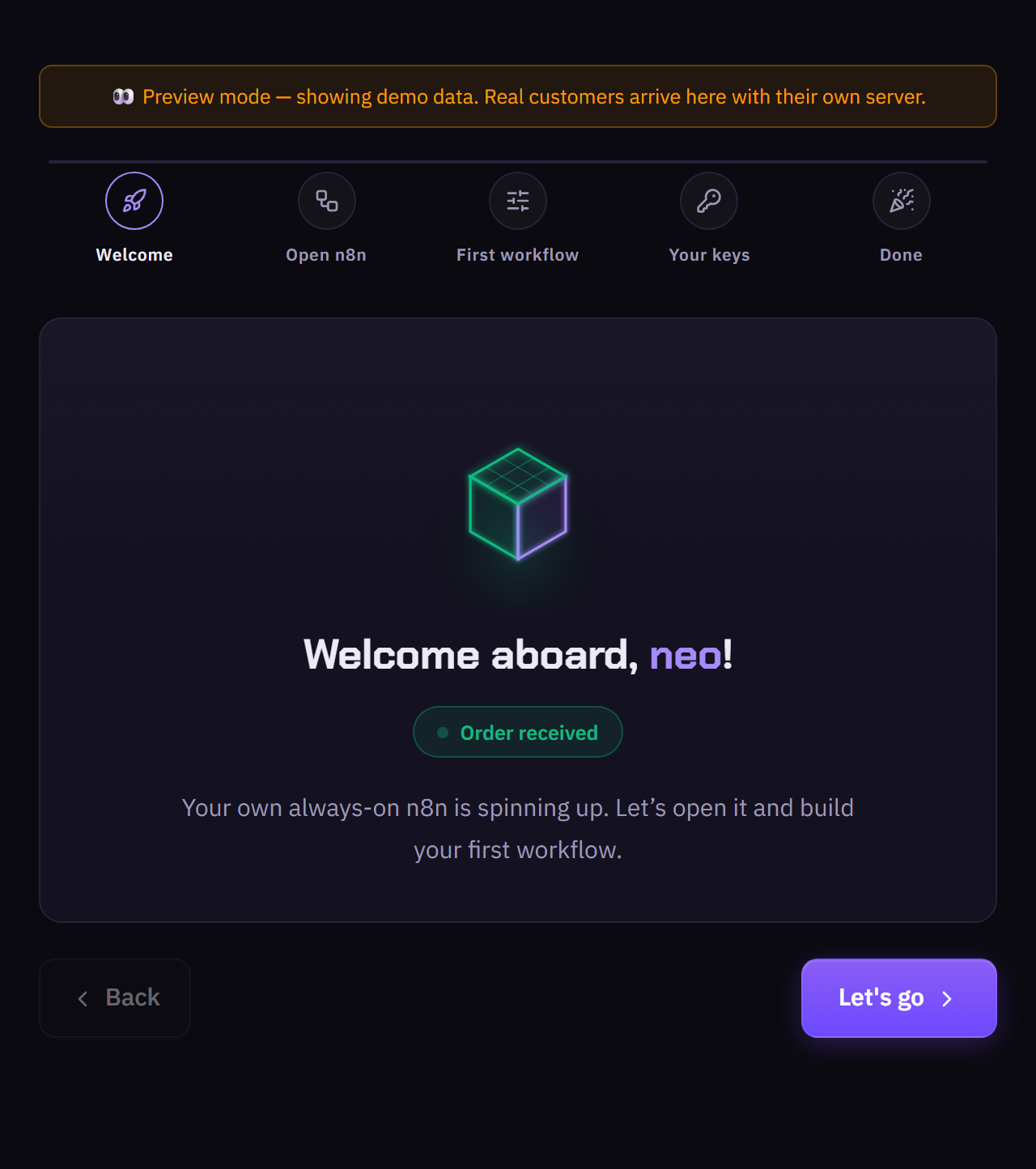
Your always-on n8n is spinning up. This guide opens it and helps you build your first workflow.
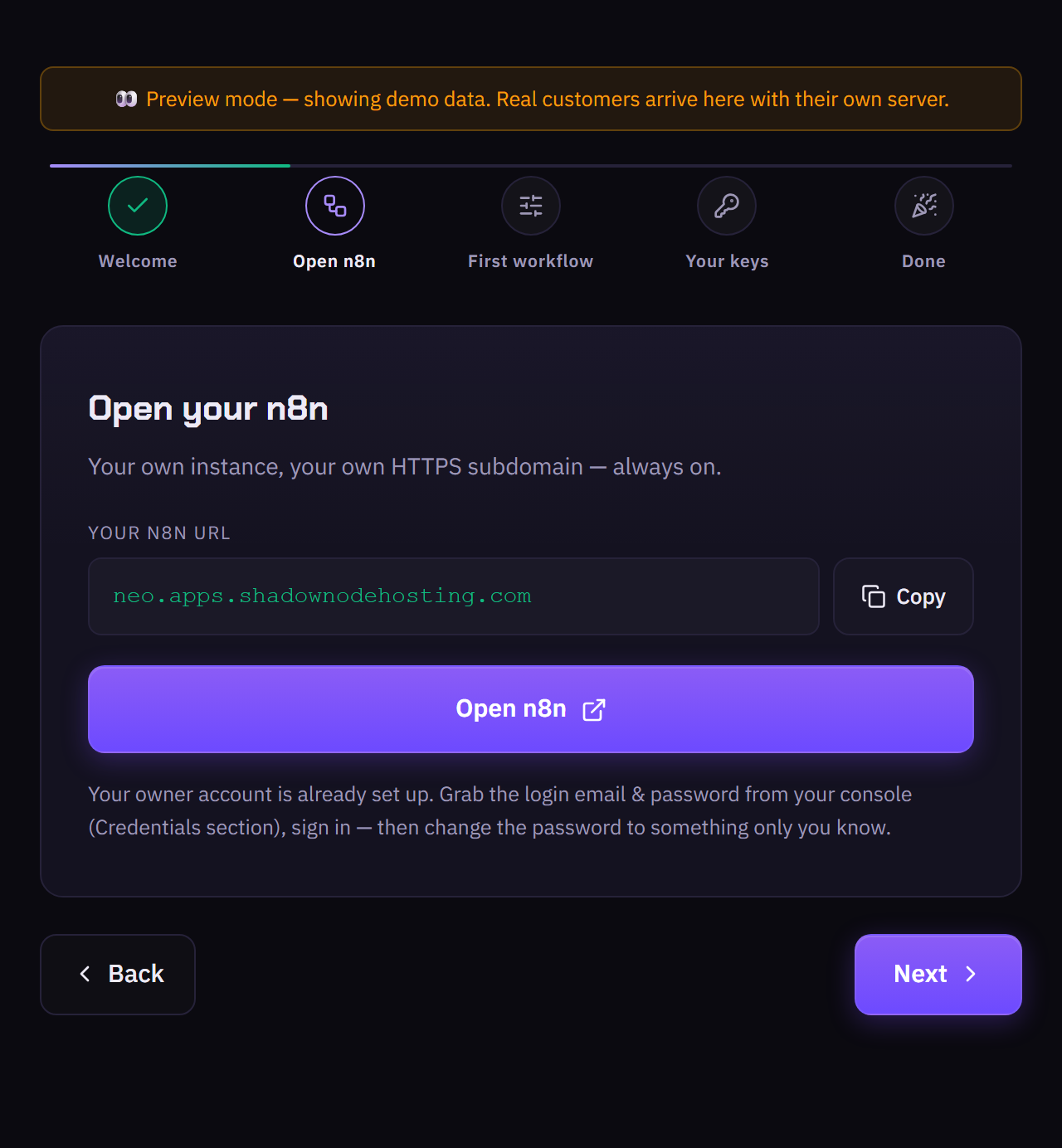
Your own instance on your own HTTPS subdomain. The owner account is already set up — grab the login from your console (Credentials), sign in, then change the password to something only you know.
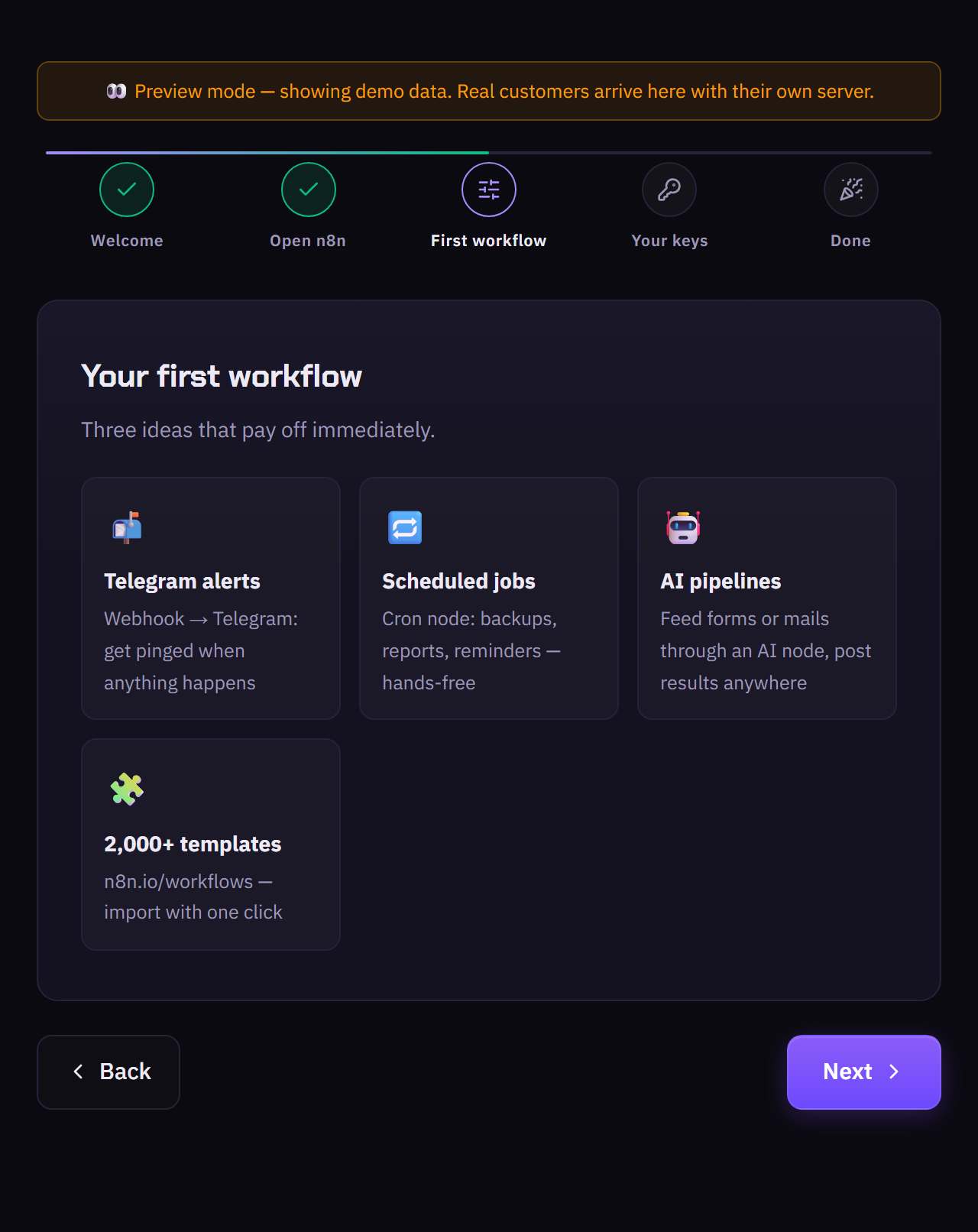
Ideas that pay off immediately: Telegram alerts (webhook → Telegram), scheduled cron jobs (backups, reports), AI pipelines (feed forms/mails through an AI node), or import from 2,000+ templates on n8n.io.
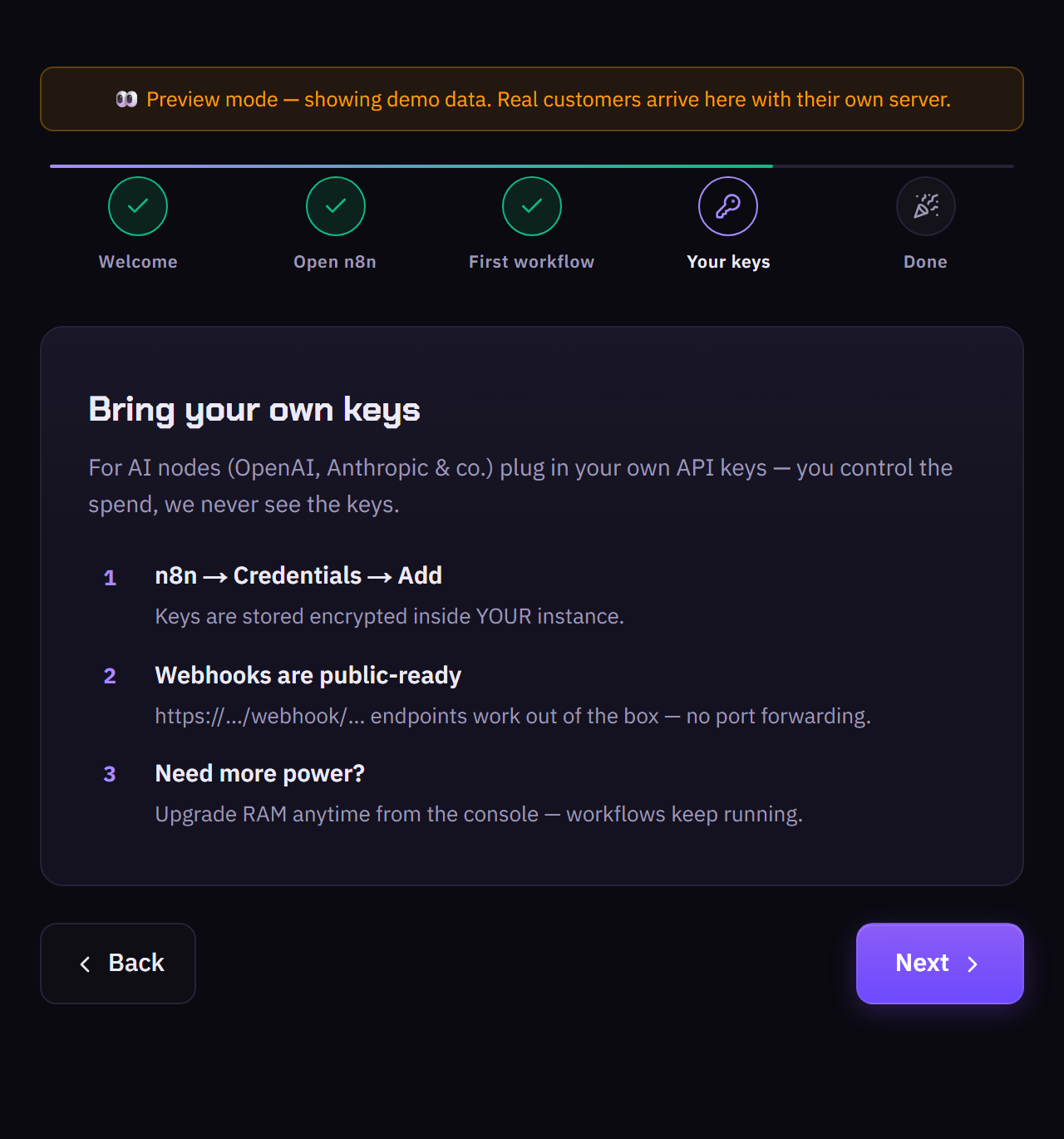
For AI nodes (OpenAI, Anthropic & co.) plug in your own API keys — you control the spend and we never see them. Webhook endpoints are public-ready out of the box. Upgrade RAM anytime from the console.
Manage your instance, upgrades and power from your console — log in with your ShadowNode account.
https://…/webhook/… URL exactly, no port forwarding needed.